How to Create Custom Wallpapers of Pets Using AI (Your Phone Deserves Better)
TL;DR
Turn your pet’s photos into stylish, high-quality wallpapers with AI - so your lock screen can show them as pop art, royalty, or classic portrait art in minutes. This guide explains why regular photos don’t work well as wallpapers and how to pick, generate, and download images that fit the right aspect ratio/resolution for phones, tablets, and laptops.
Why Standard Pet Photos Fail as Wallpapers
You've tried it before: setting a favorite pet photo as your wallpaper, only to realize within hours that it doesn't quite work.
Technical Composition Issues - Casual pet photos rarely match device aspect ratios perfectly. Your horizontal photo gets awkwardly cropped on vertical phone screens, cutting off your pet's ears or body. Background clutter (toys, furniture, other people) that you mentally filtered when taking the photo becomes glaringly distracting when viewing dozens of times daily.
Icon and Text Interference - App icons, notification text, and system elements overlay your pet's face in standard photos. That adorable shot of your persian cat gets obscured by the Weather app icon directly over their eyes, while your time display sits squarely across your rottweiler's nose.
Visual Quality Limitations - Smartphone photos taken in average lighting conditions look fine in photo galleries but appear washed out or low-contrast when used as wallpapers competing against bright app icons and system elements. Professional wallpapers use enhanced saturation, contrast, and sharpness that casual photos lack.
Understanding AI Pet Portrait Wallpaper Advantages
AI pet portrait art transforms casual snapshots into wallpaper-optimized imagery through several key enhancements.
- Background Replacement and Simplification - AI generators remove cluttered backgrounds entirely, replacing them with solid colors, elegant gradients, or thematically appropriate settings. Your golden retriever no longer sits in your messy living room—they're positioned against Renaissance architecture, solid monochrome backgrounds perfect for icon visibility, or stylized environments that don't compete for attention.
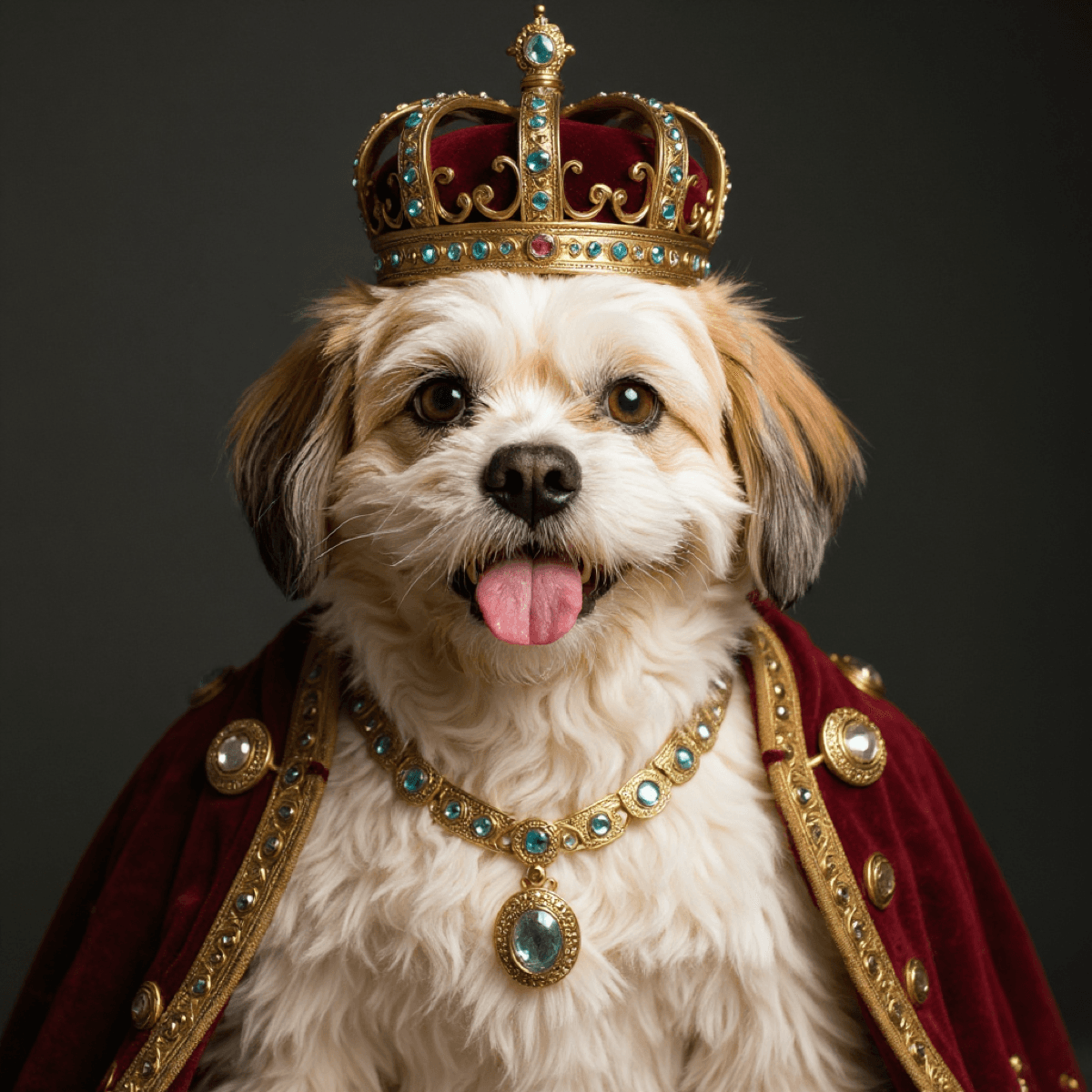
- Composition and Framing Optimization - AI understands wallpaper requirements, centering subjects appropriately while leaving negative space where system elements typically appear. A royal pet portrait transformation might position your sphynx cat's crowned head in the upper third of the frame, leaving the bottom two-thirds relatively clear for app icons and folders.
- Artistic Enhancement - Styles like pet portrait pop art, renaissance pet portrait, or victorian pet portrait add visual interest that makes wallpapers worth viewing repeatedly. Unlike standard photos that become invisible through familiarity, artistic interpretations maintain novelty. Each phone unlock provides a small dopamine hit of seeing your pet reimagined creatively rather than just photographed generically.
- Resolution and Quality - Professional AI pet portrait generator platforms like ClickMyPet output high-resolution images (HD, Retina, or 4K Ultra depending on package) specifically suitable for modern device displays. These maintain sharpness even on large tablets or high-DPI laptop screens where standard phone photos appear pixelated.
Step-by-Step: Creating Your AI Pet Wallpaper Collection
Generating custom pet portrait wallpapers through AI follows a straightforward process optimized for non-technical users.
### Step 1: Photo Selection and Upload
Begin with 10-20 quality photos of your pet from varied angles and lighting conditions. For wallpaper purposes, prioritize photos where your pet is the clear focal point without significant background subjects competing for attention.
Consider your pet's positioning in photos. Face-forward shots work well for phone lock screens where the subject appears prominently whenever you check your device. Profile shots or action poses suit wider laptop or tablet wallpapers where horizontal orientation provides more compositional space.
### Step 2: Strategic Style Selection for Different Devices
Not all pet portrait art styles work equally well across device types. Strategic style matching to device creates optimal results.
- Phone Wallpapers (Vertical)
- Royal, Victorian, Pop Art
- Centered subjects, clear focal points, simplified backgrounds (Monochrome works great for icon visibility).
- Tablet Wallpapers (Variable)
- Renaissance, Landscape, Funny
- Compositions work in both orientations; larger screens show details (e.g., Ragdoll as scientist).
- Computer Wallpapers (Horizontal)
- Superhero, Action, Elegant Monochrome
- Wider formats suit action poses or multi-pet portraits. Professional styles suit work computers.
### Step 3: AI Generation and Download
Upload your selected photos to an AI pet portrait generator like ClickMyPet, choose styles matching your device wallpaper needs, and wait ~5 minutes for generation. The platform delivers complete galleries with 20-80 high-resolution portraits depending on your package tier.
Download your favorites in the highest available resolution (4K Ultra for large displays, Retina for standard devices). Save these to a dedicated "Pet Wallpapers" folder on your device for easy access and regular rotation.
Style-Specific Wallpaper Recommendations
#### Historical and Artistic Styles for Elegant Wallpapers
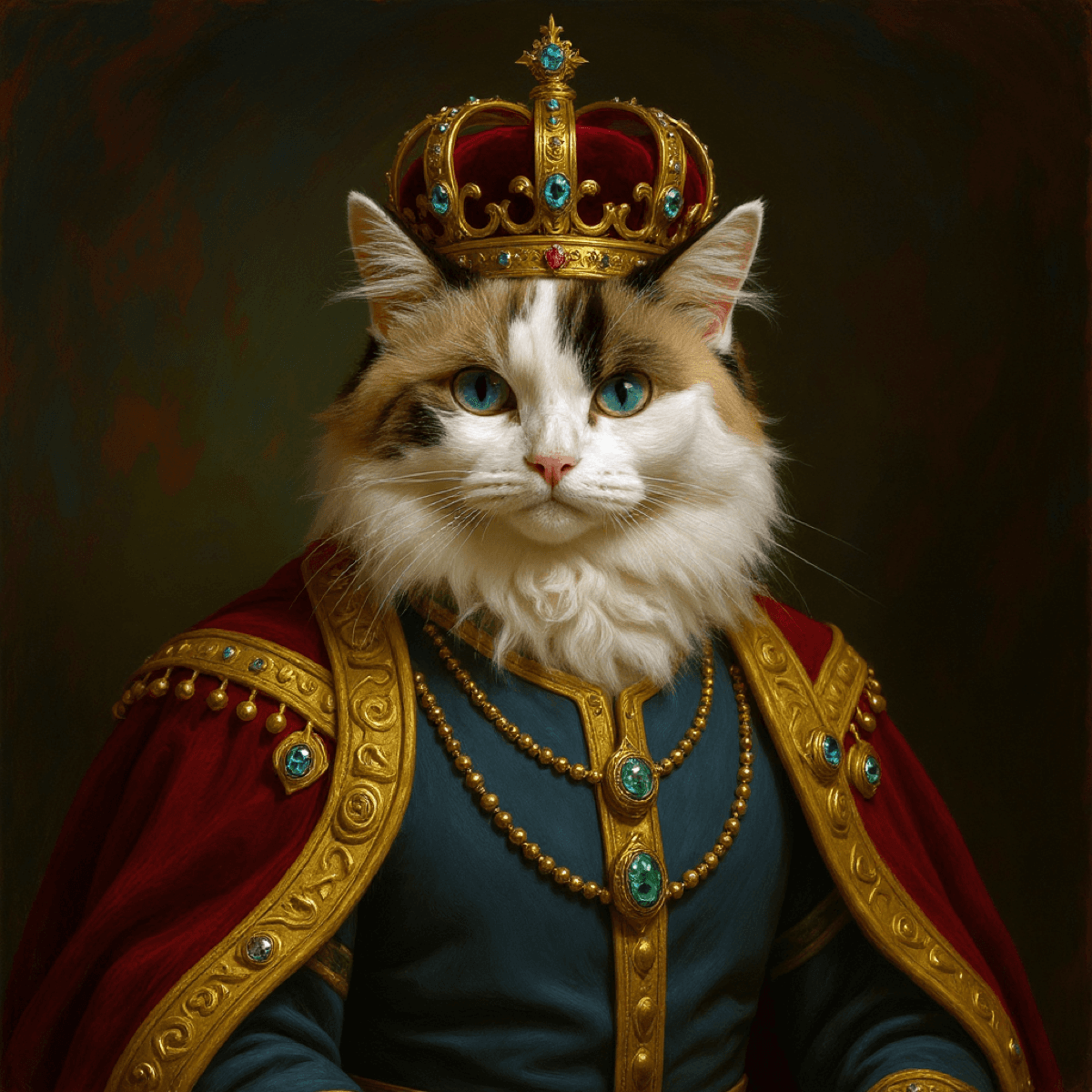
Renaissance Pet Portrait Sophistication - Renaissance transformations create museum-quality wallpapers that elevate device aesthetics beyond typical backgrounds. The classical painting techniques, soft lighting, and rich color palettes provide visual depth without overwhelming app icons.
Victorian Pet Portrait Refinement - Victorian styles add formal elegance suitable for professional contexts. Your cane corso in Victorian gentleman's attire or your savannah cat in period dress creates conversation-starting wallpapers that maintain sophistication.
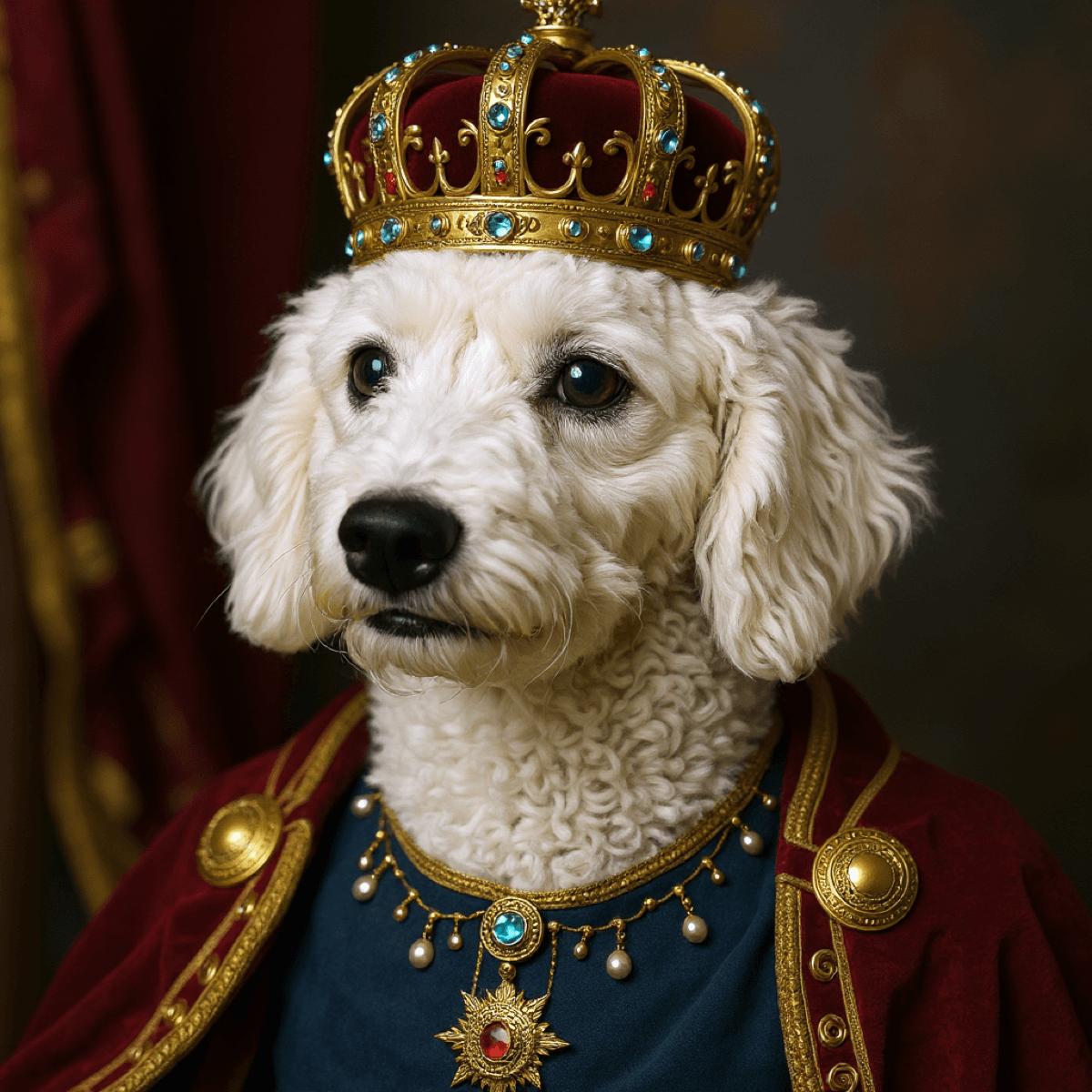
Royal Pet Portrait Drama - Royal transformations featuring crowns, thrones, and regal attire create bold statement wallpapers. These work particularly well on larger displays (tablets, laptops) where the grandeur of royal settings can be fully appreciated.
#### Modern and Graphic Styles for Bold Impact
Pet Portrait Pop Art Energy - Pop art transformations deliver maximum visual impact through bold colors, high contrast, and graphic design elements. These create instantly recognizable lock screens.
Monochrome Timelessness - Black-and-white transformations offer elegant simplicity that never goes out of style. These wallpapers work with any device theme, operating system, or icon arrangement.
Abstract Interpretations - Abstract pet portrait art reduces your pet to essential shapes and colors while maintaining recognizability. These create artistic wallpapers that function almost as fine art.
#### Fun and Thematic Styles for Personal Devices
Funny Pet Portrait Scenarios - Occupation-based transformations (your maine coon as a lawyer, your golden retriever as a scientist) create entertaining wallpapers perfect for personal devices.
Seasonal and Holiday Rotations - Generate holiday-themed wallpapers for regular rotation throughout the year. Christmas portraits with Santa elements, Halloween transformations, or vacation themes keep your device aesthetic fresh.
Superhero and Action Styles - Dynamic superhero transformations create energetic wallpapers that celebrate your pet as the hero they are. These work particularly well for active breeds like Australian Shepherds.
Technical Optimization for Perfect Wallpapers
- Aspect Ratio Matching: Most devices offer positioning controls—ensure your pet's face remains centered.
- Resolution Hierarchy: Always download 4K/Highest resolution for future-proofing.
- Brightness and Contrast: Use photo editors to slightly boost brightness (+10-20%) if needed for readability.
- Icon Layout: Check preview images against your typical app arrangement.
Creating Wallpaper Collections for Different Moods
Rather than committing to single wallpapers indefinitely, create rotating collections. Try a Weekly Rotation Strategy (generate 40-80 portraits and rotate weekly), or organize by Mood-Based Categories (Professional, Energetic, Humorous).
Sharing Your Custom Pet Wallpapers
AI-generated pet portrait custom wallpapers make shareable content. Use them for social media posts, gift ideas for pet-owning friends, or creating tutorial content.
Beyond Phones: Unexpected Wallpaper Applications
Custom pet portrait art extends beyond personal devices: Smart Display Frames, Video Call Backgrounds (Zoom/Teams), Smart TV Screensavers, and Car Display Screens.
Making Your Devices Truly Personal
Generic wallpapers represent wasted opportunities. Your pet doesn't deserve to be buried in your camera roll. Creating custom pet portrait wallpapers through AI generators like ClickMyPet requires minimal effort but delivers outsized impact.
Transform Your Pet Photo Into Art
40+ styles. Studio quality. Ready in minutes.
Create Your AI Pet Portraits Now!